YOUR IMAGES
Delete an image, or bring it back
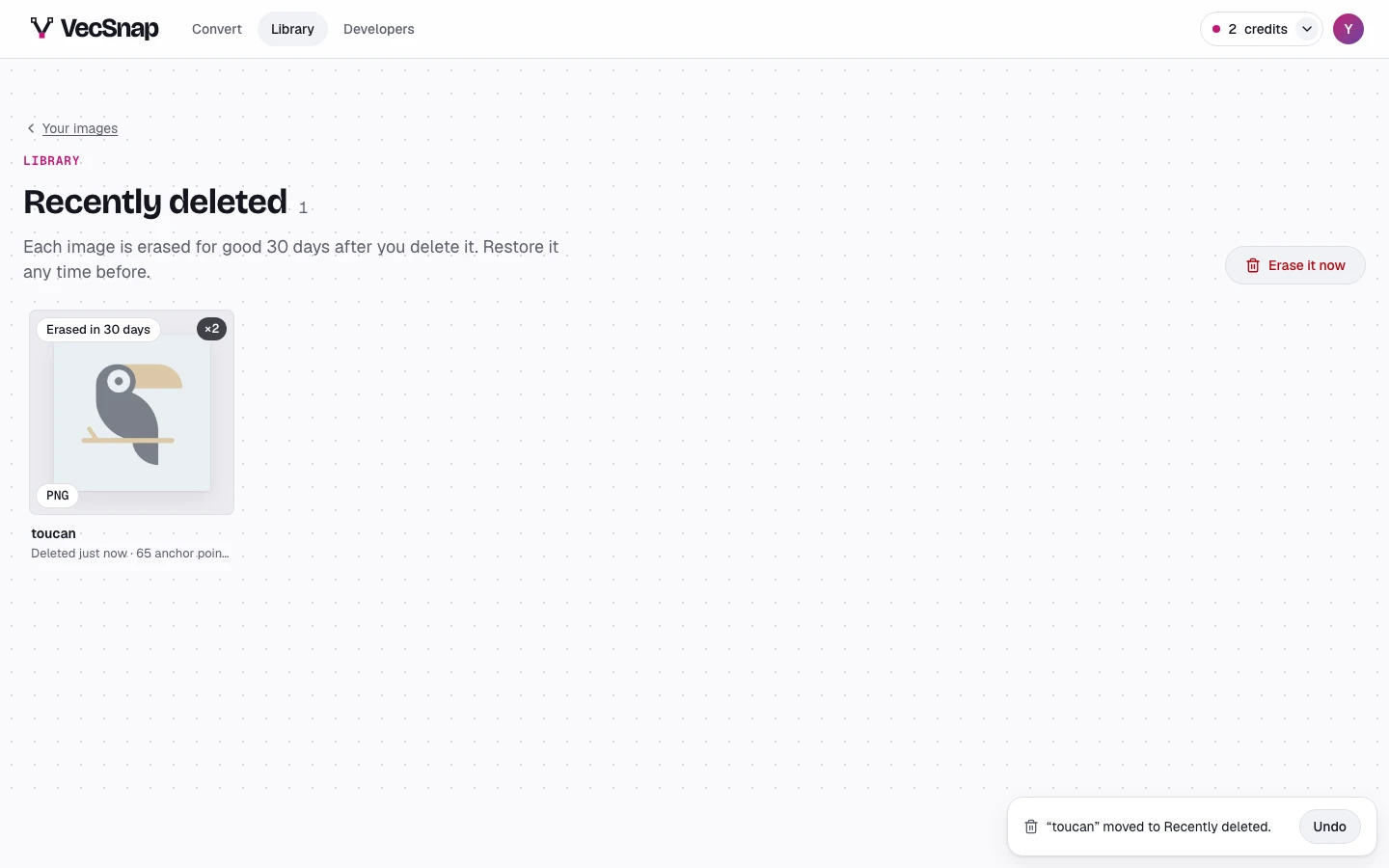
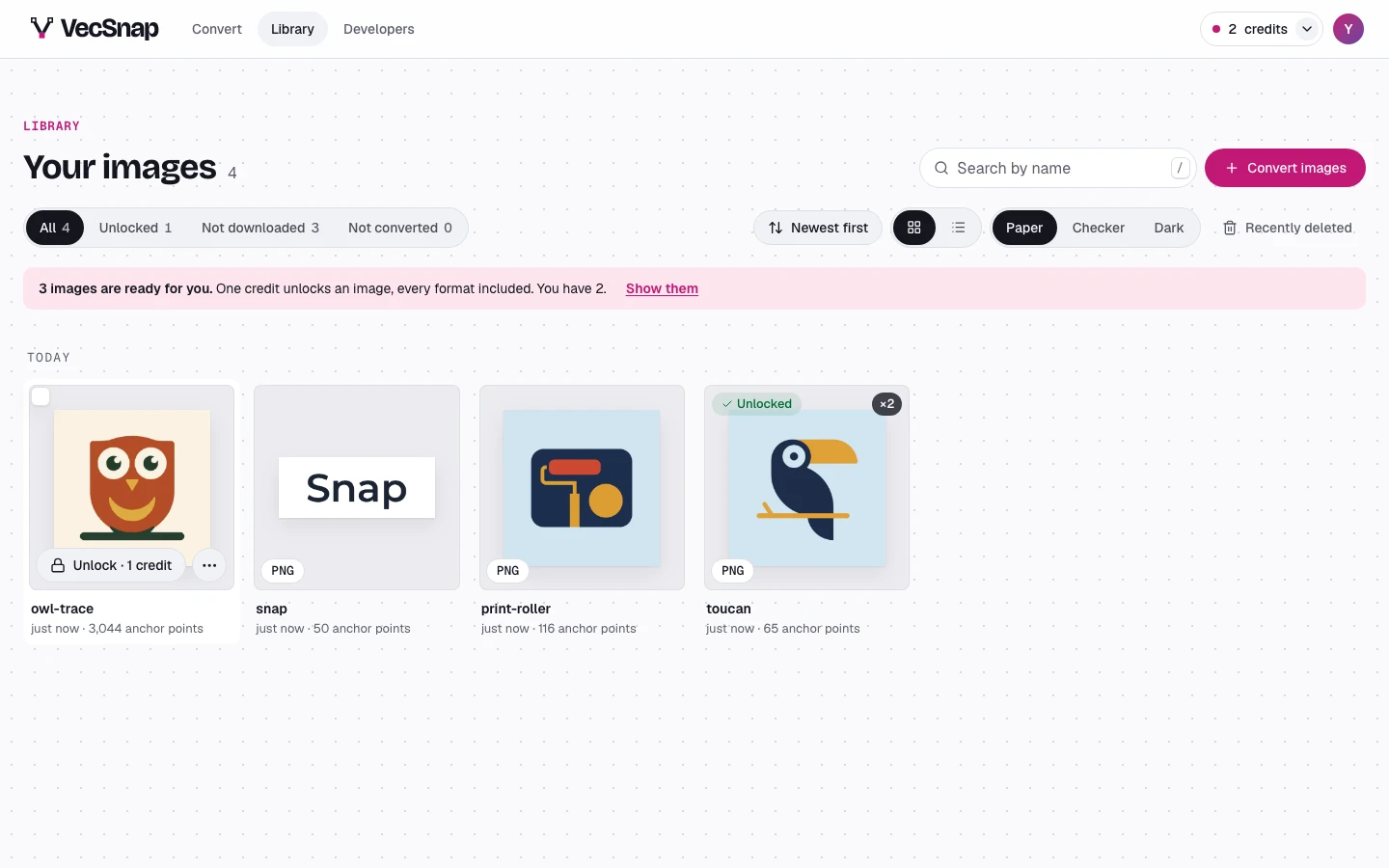
A deleted image goes to Recently deleted, at the library's toolbar, for 30 days: restore it any time before it is erased for good.
Free · no credit neededHow do I delete an image?
In the library, More actions on the image deletes it, or select several and delete them together. The notice that follows can take it back.
How do I bring one back?
Open Recently deleted: each image says when it will be erased. Restore puts it back in your library, its versions with it; or erase it at once, for good, from its menu.