DOWNLOAD
Choose the file for what you make
The Download tab asks What is it for? and gives the file for it: one press on what you make, its file type and size beside it, and the button says what downloads.
Once the image is unlockedWhich file is for what?
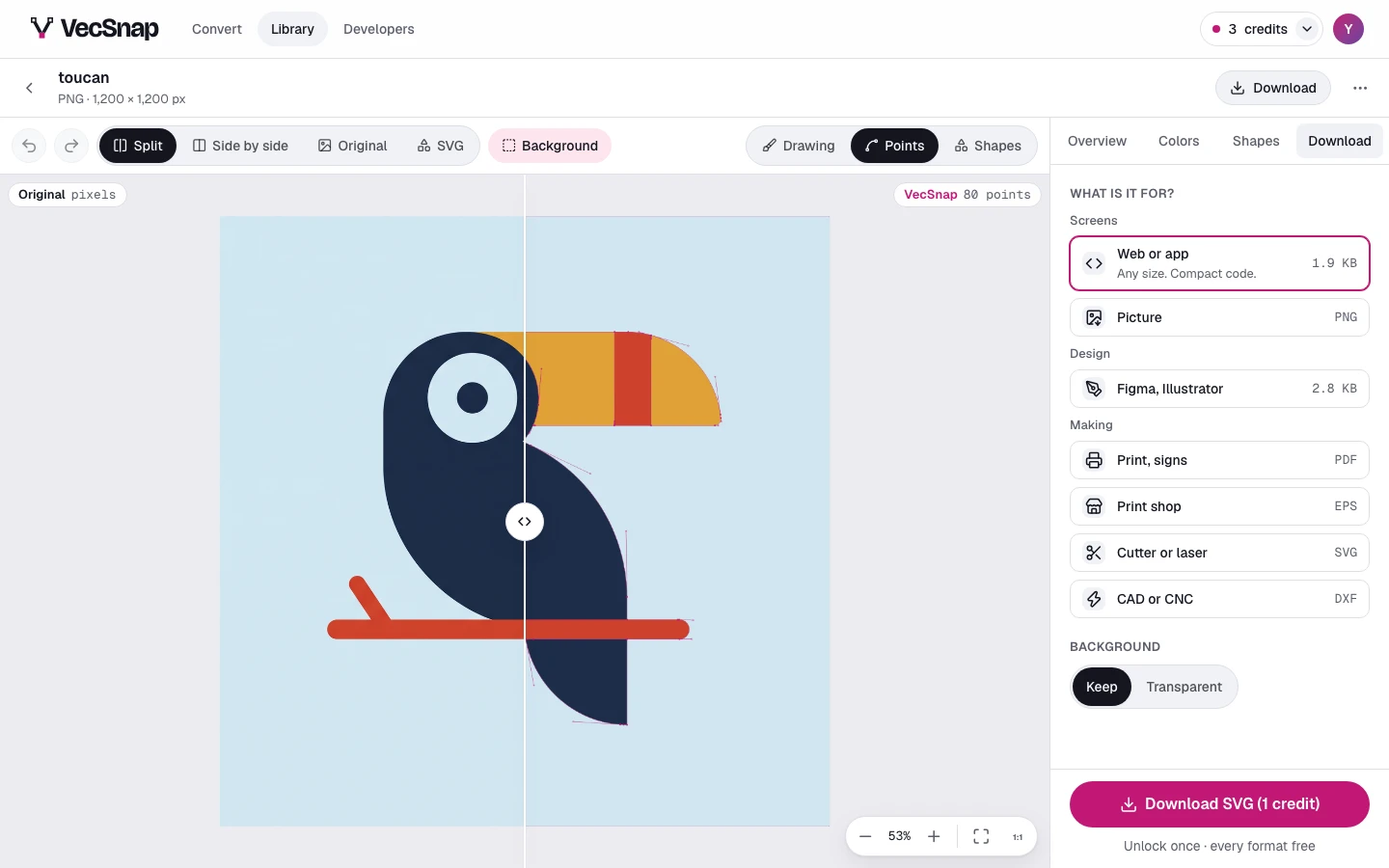
| For | What you get | File |
|---|---|---|
| Web or app | Any size. Compact code. | SVG |
| Icon in text color | One color, set by your CSS. | SVG |
| Picture | A sharp PNG, any size. | PNG |
| Figma, Illustrator | Named layers, at your image's size. | SVG |
| Print, signs | A print-ready PDF. | |
| Print shop | An EPS for older print tools. | EPS |
| Cutter or laser | Cricut, xTool, Glowforge: each piece apart. | SVG |
| CAD or CNC | A DXF, when a program asks. | DXF |
They come in 3 groups, Screens, Design and Making. Every one is made from the same drawing, and once the image is unlocked another downloads at no cost.
How big is a picture?
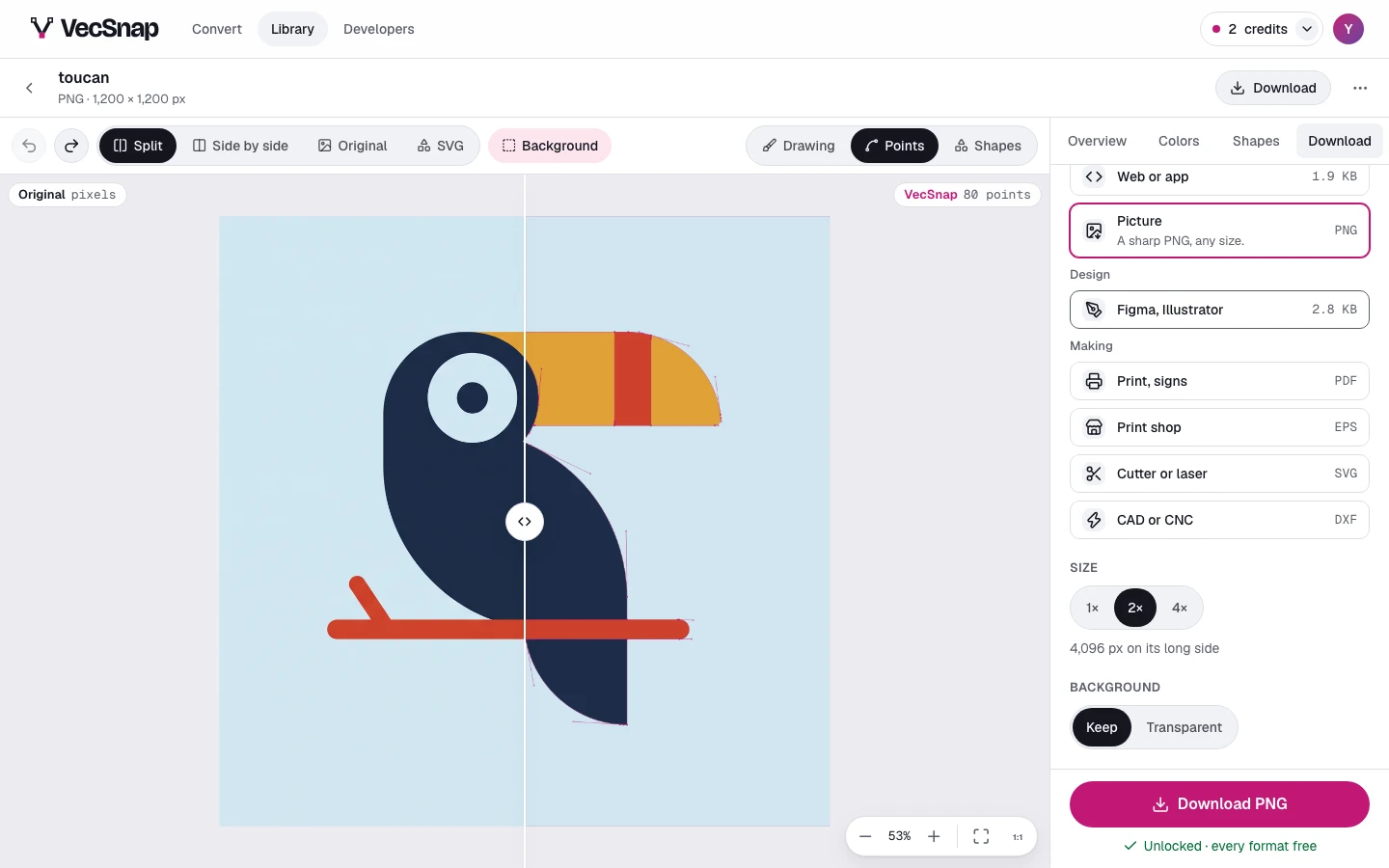
Picture downloads a PNG at the size you choose: 1×, 2,048 px on its long side; 2×, 4,096 px on its long side; 4×, 8,192 px on its long side. It starts at 2×, sharp on a laptop's screen and on a slide.
Can I leave the background out?
Yes, where VecSnap found one: the background choice here is the canvas's own (What a result shows), so the picture on screen is the file that downloads. Icon in text color is always transparent: it takes its color from your page.