EDIT SHAPES
Tidy up your file
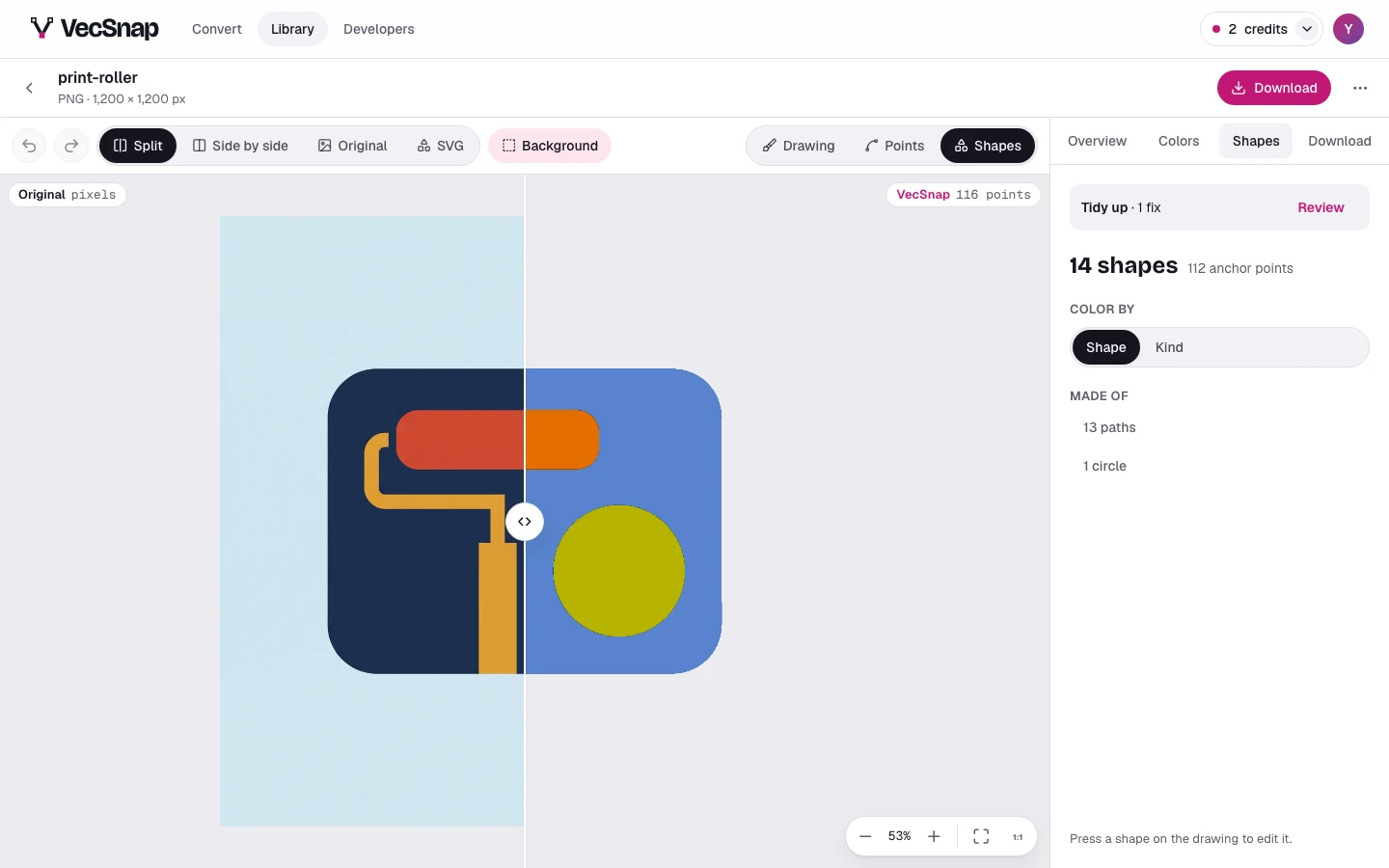
Tidy up in the Shapes tab lists what VecSnap finds to fix in the file: specks too small to see, shapes that are nearly circles, colors too close to tell apart.
Free · no credit neededWhat does Tidy up find?
| Fix | What it does |
|---|---|
| Specks | Remove: takes away shapes too small to see, which a cutter or a printer would still pick up |
| Near-circles | Round: makes a shape that is nearly a circle a true circle (once the image is unlocked) |
| Colors alike | Merge: turns two colors a person cannot tell apart into one |
How do I check each fix?
Press Review, then a fix's Show: the view glides to each one in turn, ringed, the rest dimmed, and a bar walks you through them. Keep one, and it is left alone for this visit; fix it, and it is one step, undone like any other.
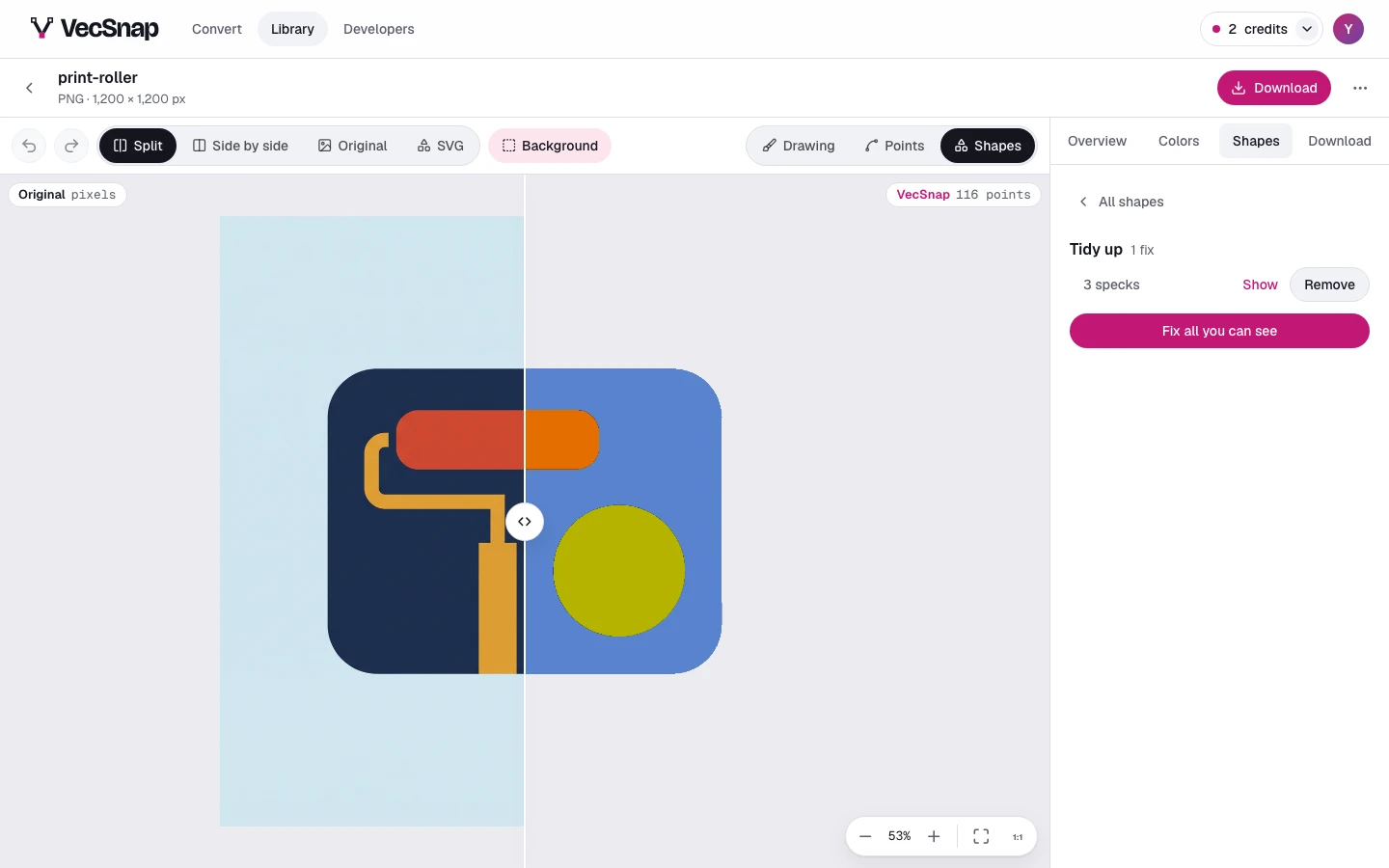
Fix all you can see applies every fix at once; before you unlock the image, it applies the free ones. Pointed at, it lights every shape it would change.