DOWNLOAD
Download a file for a cutter or a laser
Cutter or laser and CAD or CNC give a maker's file: each piece of the drawing apart, nothing stacked, as a blade or a beam follows it.
Once the image is unlockedHow do I get a file for my machine?
- Choose what it is forIn the Download tab, Cutter or laser for a vinyl or paper cutter (an SVG), CAD or CNC for a laser or a CNC (a DXF).
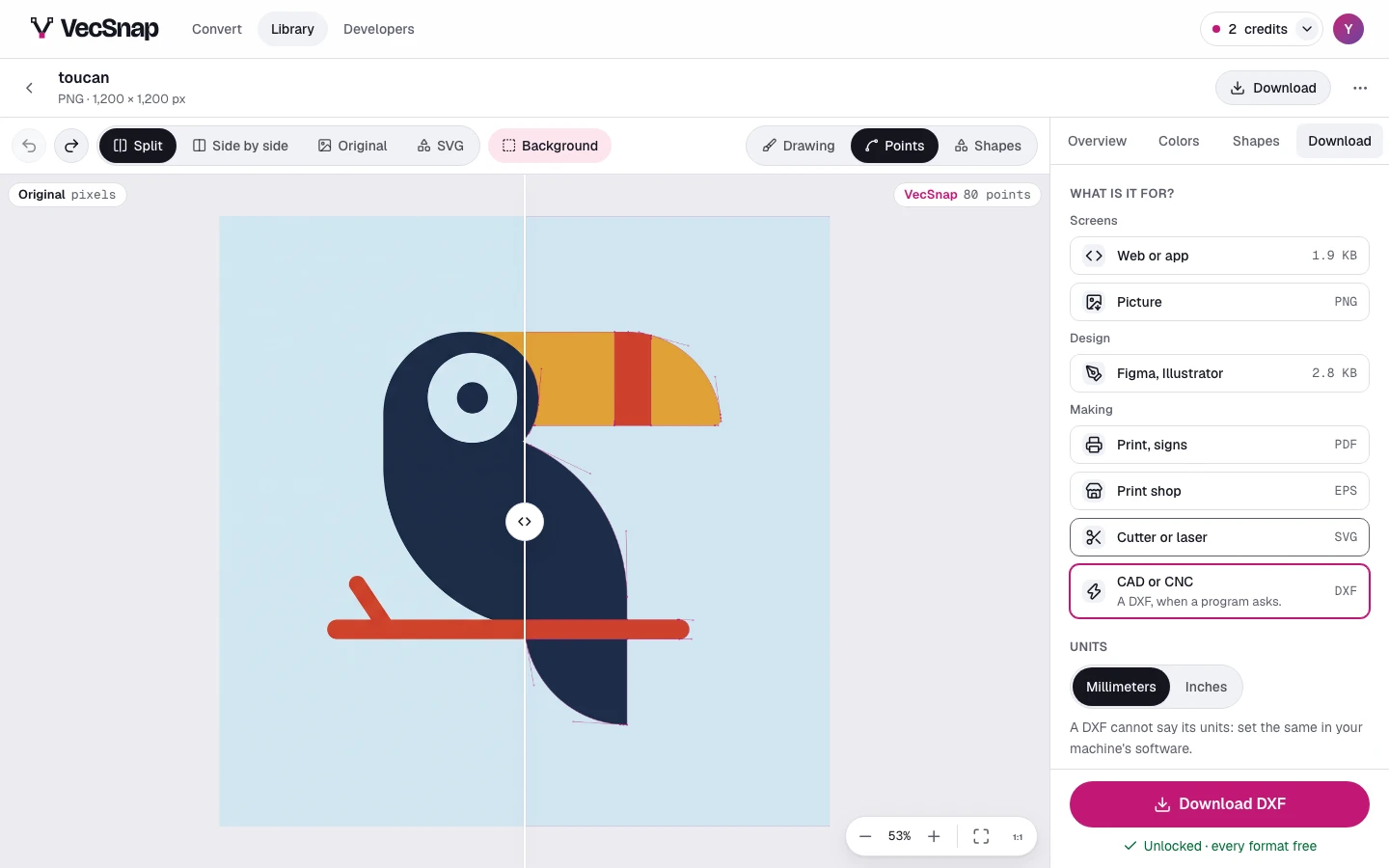
CAD or CNC chosen, under Making. - Set the unitsA DXF cannot say its units, so the tab asks: Millimeters or Inches. Set the same in your machine's software.
The DXF's units, millimeters first. - Check the piecesUnder it, a picture of the cut: every piece the blade will follow, each apart. What it shows is the file that downloads.
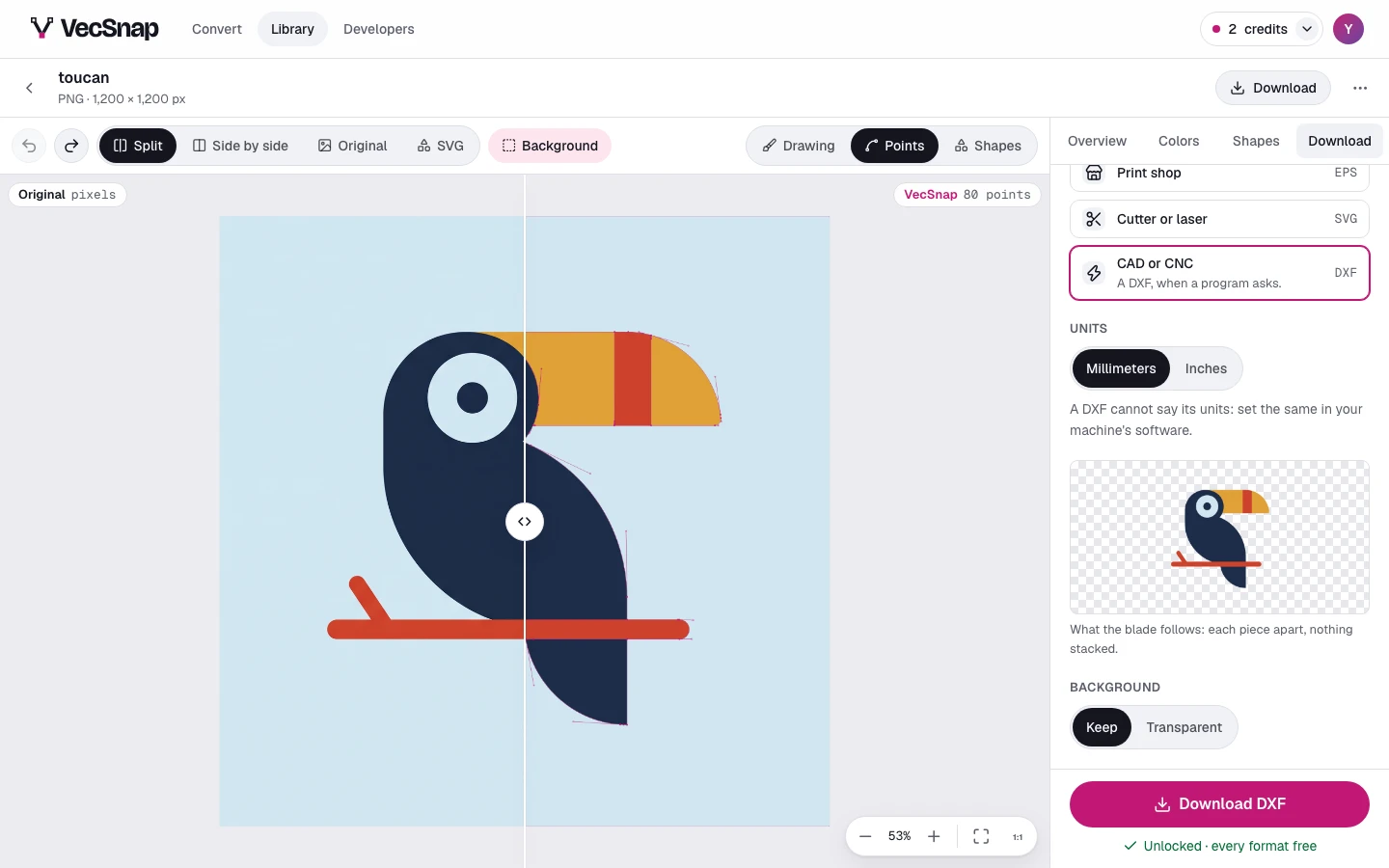
The cut's picture: each piece the machine will follow.
Why is a piece missing?
A maker's file cuts what is drawn on top: where one shape covers another, the hidden part is cut away, as a cutter needs. A drawing a machine cannot follow is refused before you spend a credit, and the tab says why.