DOWNLOAD
Get a drawing as single lines
A traced line has two edges, so a pen, foil or laser goes round it. Single lines (centerline) draw it once, down its middle: one stroke a machine follows.
Once the image is unlockedHow do I get single lines?
- Press the offerConvert a line drawing as usual. The Overview offers Get single lines: a new version of the same image, inside its one credit.
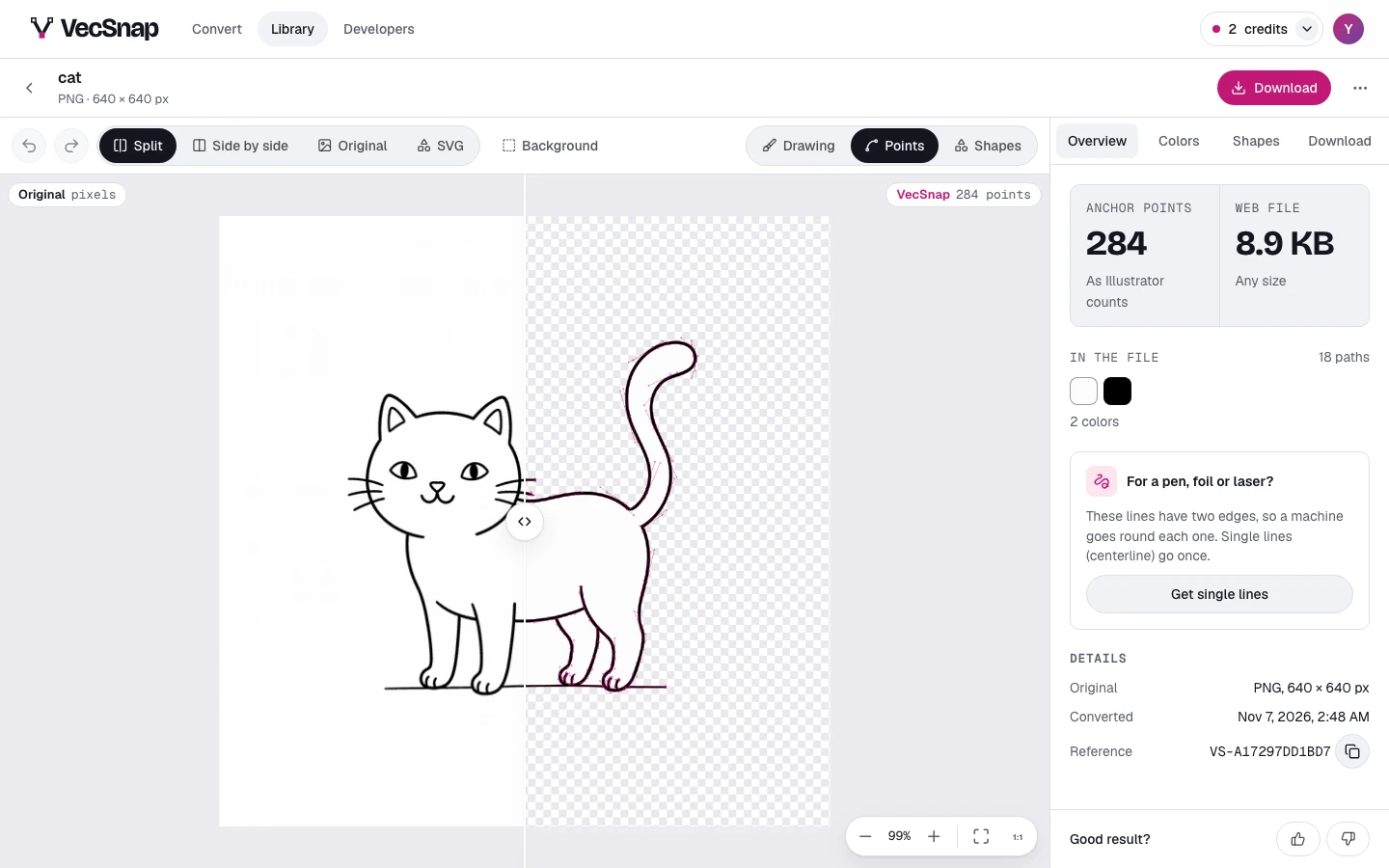
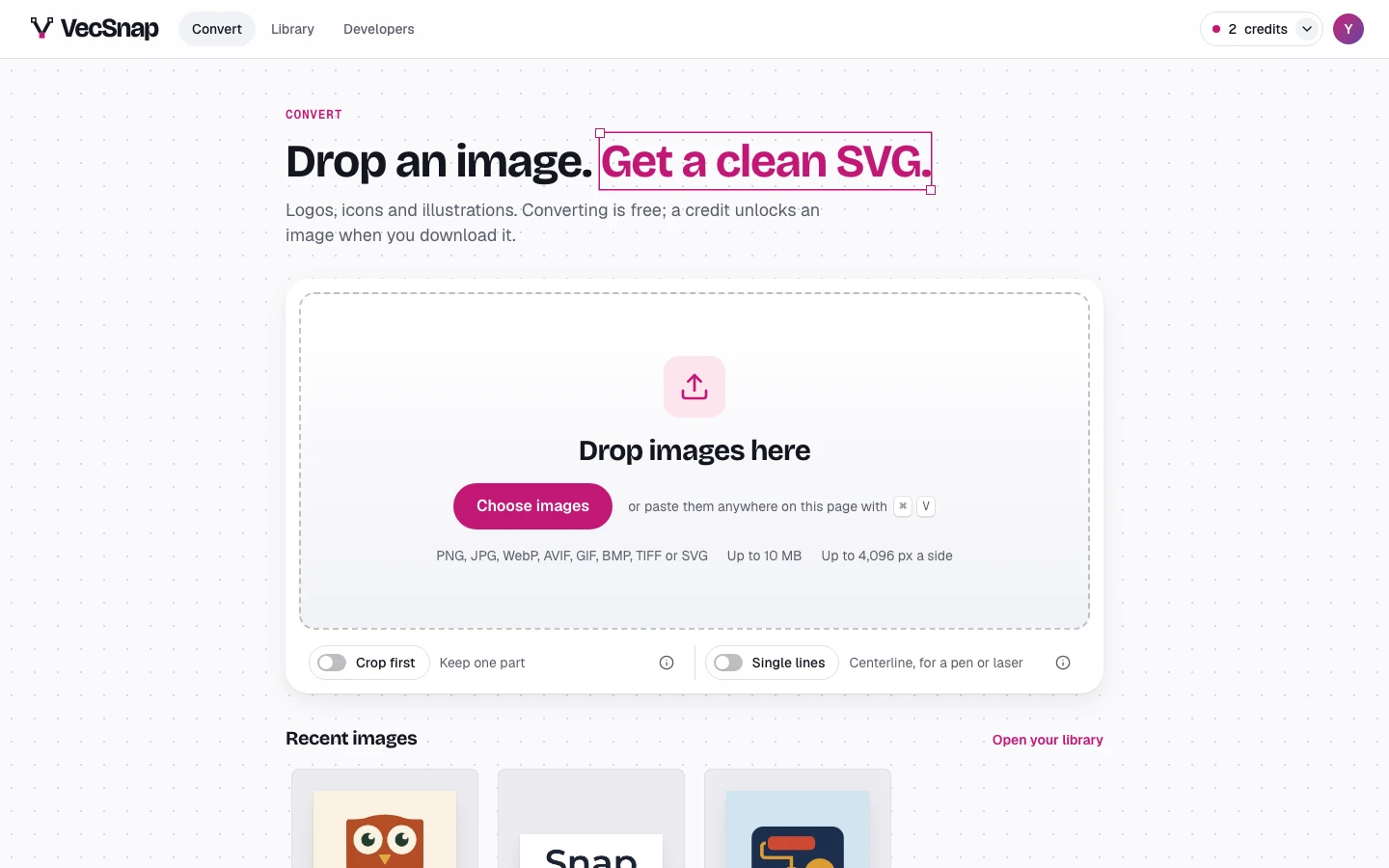
The offer, under what is in the file. - Or turn it on firstTurn on the Single lines switch on the drop card, and each image you drop comes out as single lines. This device keeps it on.
The switch, under the drop area. - See what the machine drawsPen path shows both sides as a machine reads them: two edges on the plain drawing, one line here. The Overview counts the lines and the pen lifts.
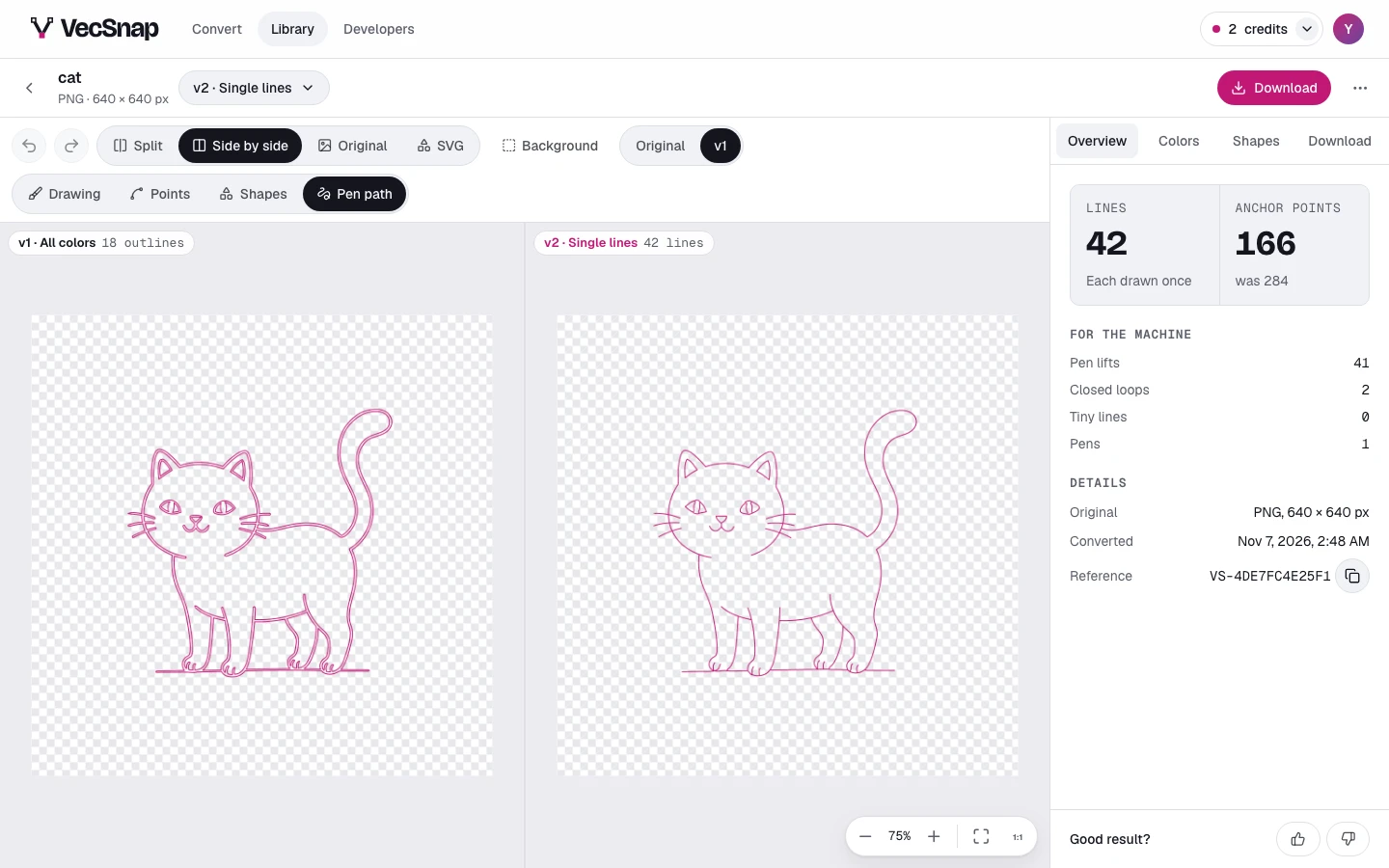
Two edges on the left, one line on the right.
Which file do I download?
A version in single lines asks what draws it. Choose your machine, and the file is the lines in the order it draws them.
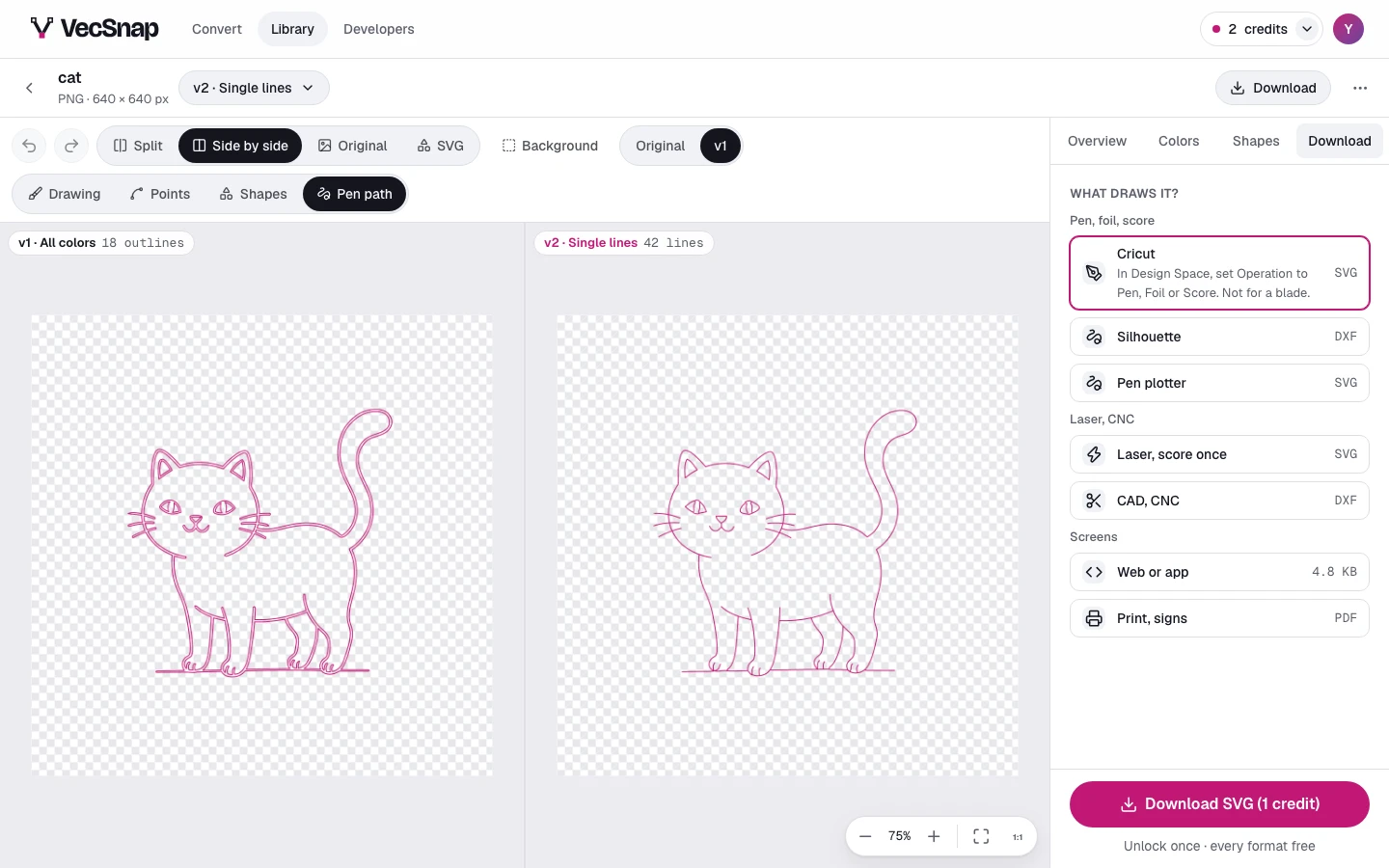
| Machine | What to know | File |
|---|---|---|
| Cricut | In Design Space, set Operation to Pen, Foil or Score. Not for a blade. | SVG |
| Silhouette | A DXF, for Studio's free edition. | DXF |
| Pen plotter | Lines in drawing order. | SVG |
| Laser, score once | One pass along each line. | SVG |
| CAD, CNC | The lines as a DXF. | DXF |
Which drawings work best?
Drawings made of lines: a sketch, a doodle, lettering, a signature, a line icon. A filled logo can be asked for from the menu beside Download, but a filled shape keeps its outline, so a pen goes round it.
Can I edit them?
Yes. Hide, color, move, simplify or reshape a line like any shape: the Pen path, its count and the file follow. What would turn a line into a filled shape is not offered on a line, because a machine would go round it again.