Logo to vector converter
Vectorize your logo.
Drop in the logo image you have, even one an AI made. VecSnap draws it again as clean shapes, keeps its name as a word when it can read the letters, and hands you the files a printer, a sign maker and a website ask for.
Drop an image here
PNG, JPG, WebP, AVIF, GIF, BMP, TIFF or SVG · Up to 10 MB
- Converting and previewing are free
- One credit keeps the file, every format included
The short version77 words
To vectorize your logo, drop the image you have on VecSnap. It draws the logo again as vector shapes with few anchor points, keeps its name as a word you can edit when it can read the lettering, and gives you an SVG for the web and Figma, a PDF or an EPS for print and, when it can be cut, a DXF for a laser. Converting and previewing are free, and one credit keeps the files.
Updated 1 source ↓
01The file, opened
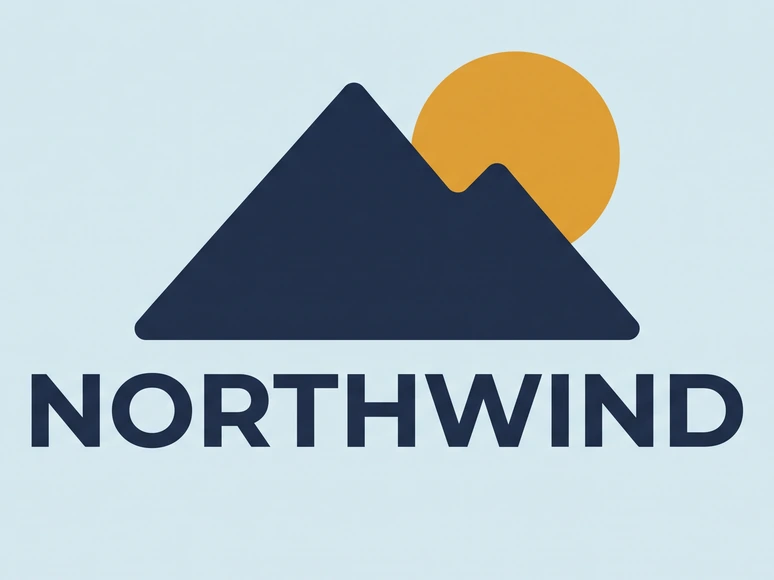
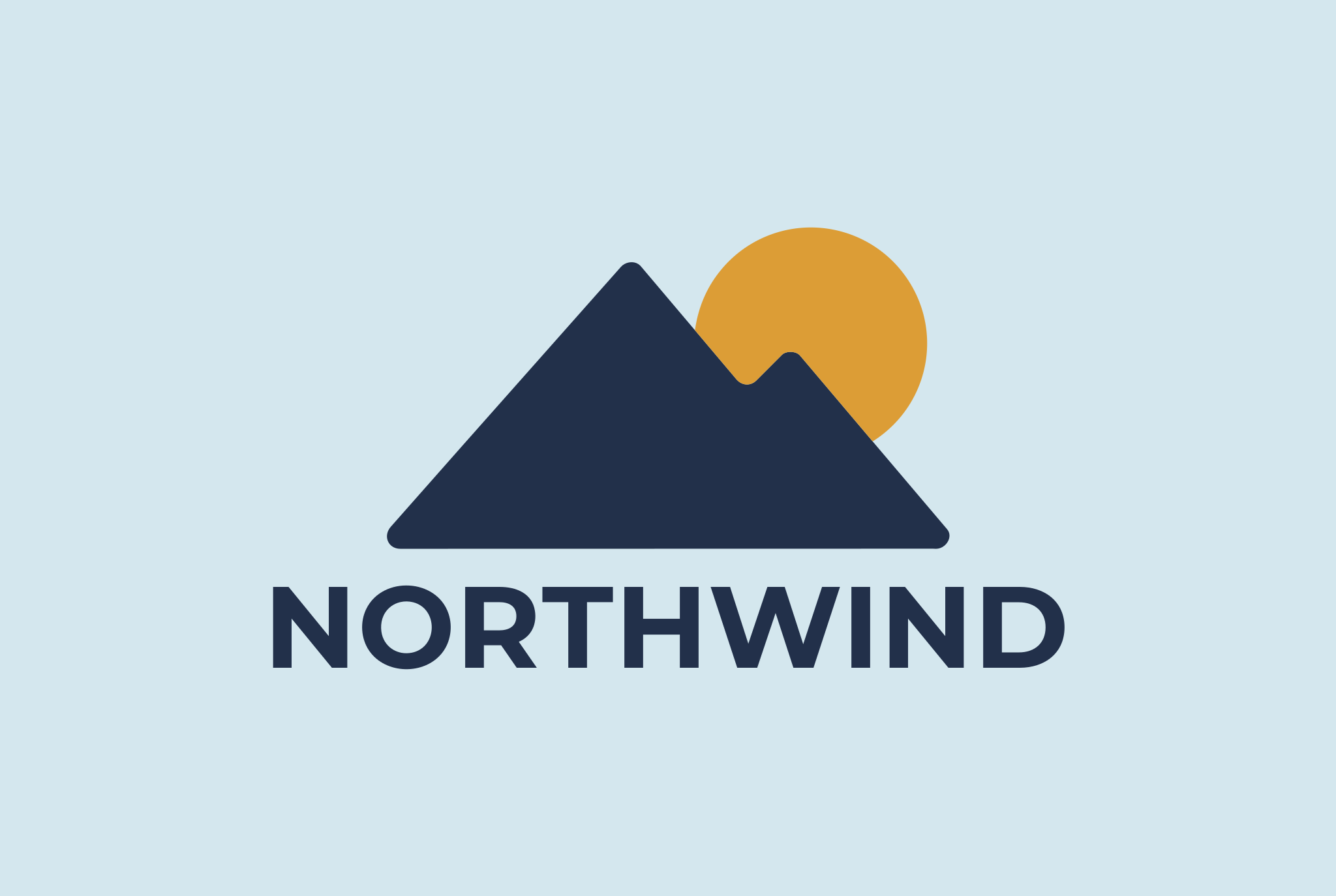
A logo, drawn again, its name kept as a word.
Drag to move · double-click to zoomDrag to move · pinch to zoom
An example we picked, made with Gemini.
Read asLossless PNG
116
VecSnap 116, potrace 1,550potrace 1,550
2.2 KB
VecSnap 2.2 KB, potrace 53 KBpotrace 53 KB
In the file
11 paths · “NORTHWIND” as text
3 colors
02What you get
What a vectorized logo should have
Its name as a word
When VecSnap can read your lettering, the name stays a word in your layers, set in its matching open font.
Clean geometry
Circles, straight edges and even curves, drawn the way a designer would draw them.
Few anchor points
The first thing a designer or a print shop checks: an outline with only the points it needs.
Exact flat colors
Each brand color comes out as one flat fill, its shapes grouped, ready to match a swatch.
03Which file
The file a printer, a website or a designer asks for
A printer, a sign maker, a T-shirt shopPDF
- What you get
- Your logo as shapes in a PDF, sharp from a business card to a banner.
Your websiteWeb file
- What you get
- A light SVG that loads fast and stays crisp on every screen.
A designer, in Figma or IllustratorDesign file
- What you get
- Named layers and real shapes, so they can edit it without redrawing it.
A print shop on older softwareEPS
- What you get
- The same shapes as an EPS, the file older print tools open.
A laser or a CNC routerDXF
- What you get
- Each color on its own layer, in millimeters or inches, when the logo can be cut.
| Where the file goes | Download | What you get |
|---|---|---|
| A printer, a sign maker, a T-shirt shop | Your logo as shapes in a PDF, sharp from a business card to a banner. | |
| Your website | Web file | A light SVG that loads fast and stays crisp on every screen. |
| A designer, in Figma or Illustrator | Design file | Named layers and real shapes, so they can edit it without redrawing it. |
| A print shop on older software | EPS | The same shapes as an EPS, the file older print tools open. |
| A laser or a CNC router | DXF | Each color on its own layer, in millimeters or inches, when the logo can be cut. |
One credit keeps the logo in each of these files; the DXF when it can be cut.
04Questions
Vectorizing a logo, answered.
Sources
- SVG 2: About SVGW3C, read Oct 23, 2026
You do as soon as it goes on print, a sign, a shirt or a large screen: a vector file stays sharp at any size, where a PNG or a JPG shows its pixels. VecSnap turns the logo image you have into one.
Renaming changes the name and none of the picture: the file still holds pixels. A vector file holds shapes, so VecSnap draws your logo again as shapes.
When VecSnap can read a line of your lettering, it keeps it as a word in your layers, set in the matching open font. When it cannot, the letters come out as clean shapes you can still recolor and resize.
Yes: VecSnap draws your logo's mark as an SVG, the file a browser tab shows sharp at every size.
Yes, with Image Trace, then Expand to edit the paths. It follows the pixels, so a small logo comes out uneven; VecSnap draws the shapes again, and its file opens in Illustrator as paths.
Upload it as an SVG made of shapes: Canva then shows each color of the logo in its toolbar, and one change repaints every shape of that color. A PNG only takes an effect laid over it.
Place it, select it and open Vector › Image Trace, then set its two sliders. For a logo that keeps its corners and its few colors, have it drawn again as shapes: Affinity opens the SVG as curves.
Yes. One credit keeps your logo as a print-ready PDF and as an EPS for older print tools, beside its SVG files.
Often, yes. VecSnap reads past the blur and the compression of a small logo and draws its edges again as clean curves. A logo too small to read keeps that limit: VecSnap draws what the file shows.
With VecSnap, converting and previewing are free, and one credit keeps your logo with every file.
05More converters
Starting from something else?

PNG to SVG converter
Color and transparency kept, every edge drawn again as a curve.
From .png

JPG to SVG converter
Compression marks cleaned before drawing, so a soft JPG still gives clean edges.
From .jpg and .jpeg


JPG to DXF converter
A logo or an emblem as a DXF for a laser or CNC, one layer per color, every outline closed.
From .jpg and .png


WebP to SVG converter
Lossy or lossless, read from the file; a lossy WebP handled as the compressed file it is.
From .webp
PNG to EPS converter
A logo or a badge as a vector EPS for a print shop: real shapes, no pixels inside.
From .png and .jpg


GIF to SVG converter
A sticker, a logo or an icon: its see-through color kept empty, its stepped edges redrawn as curves.
From .gif
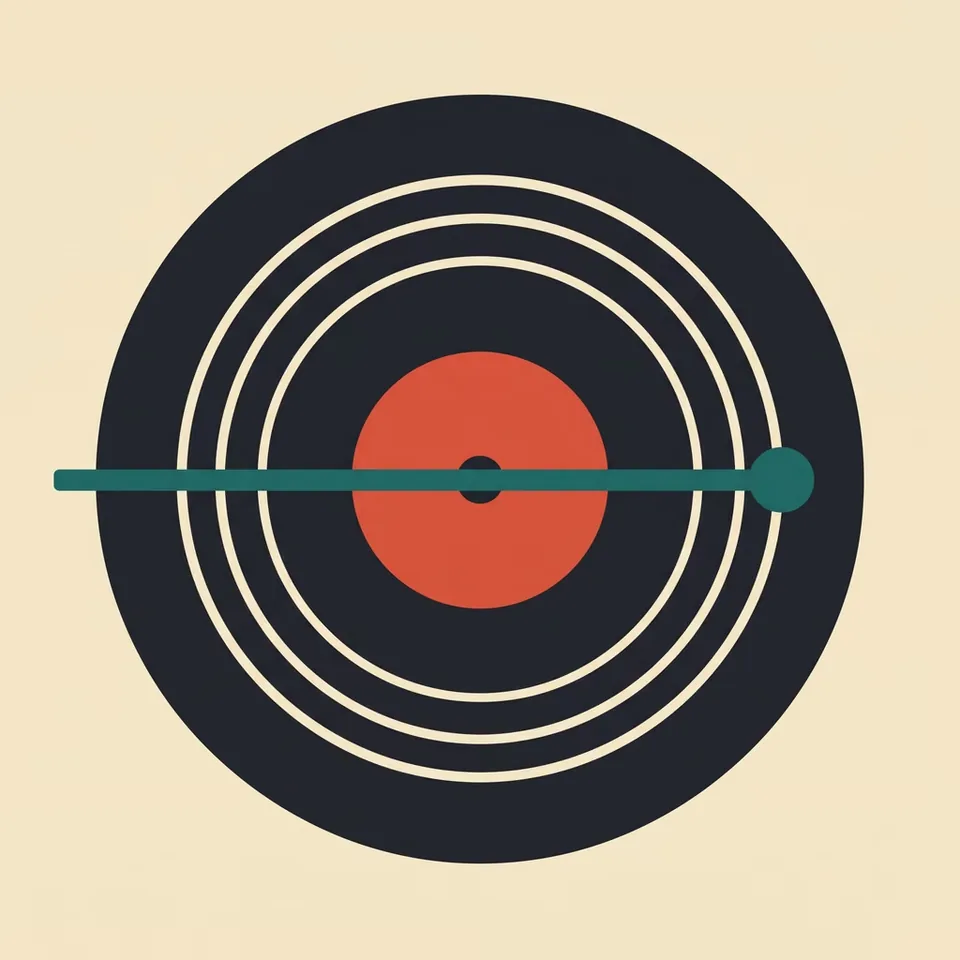
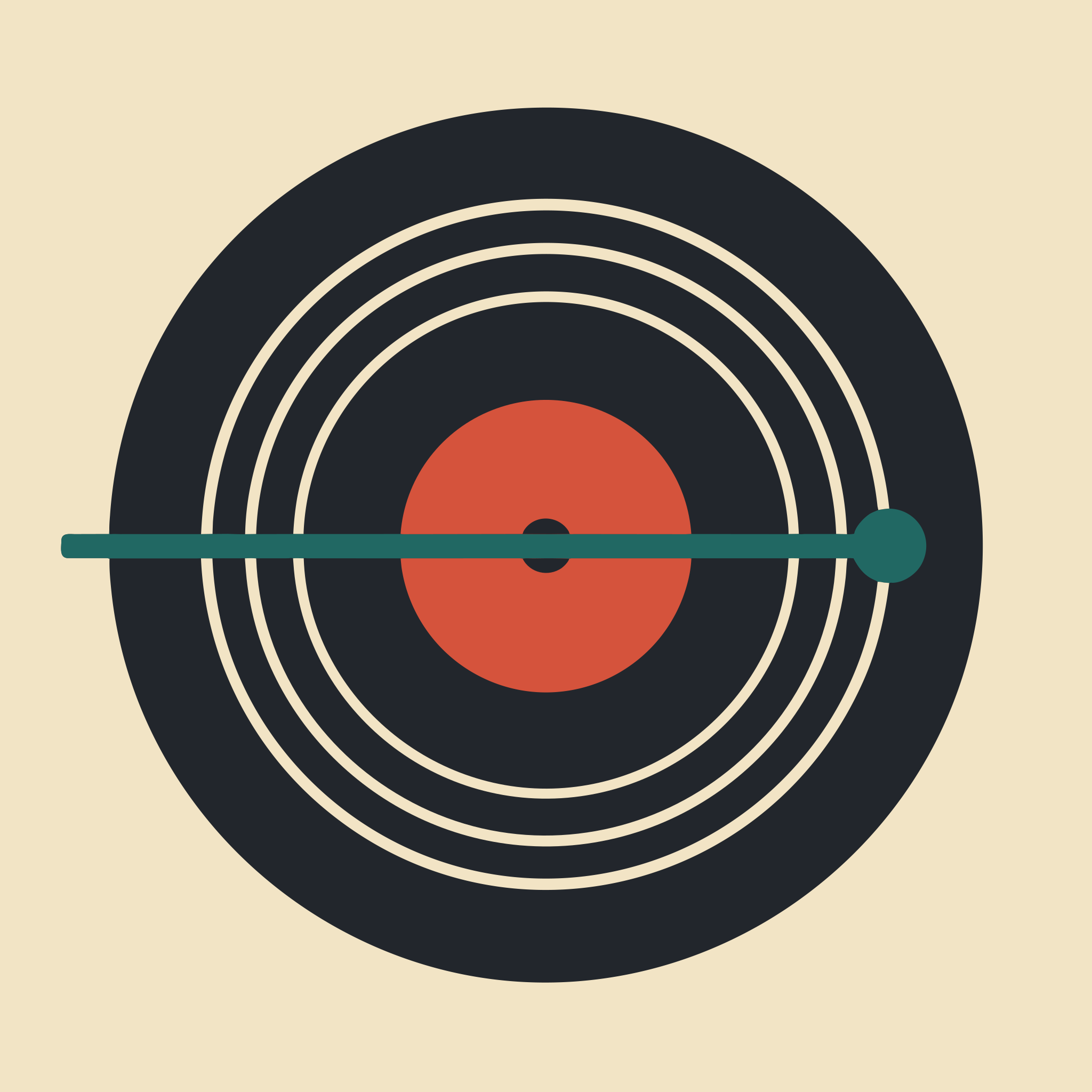
AVIF to SVG converter
Lossy or lossless, read inside the image; a lossy AVIF handled as the compressed file it is.
From .avif
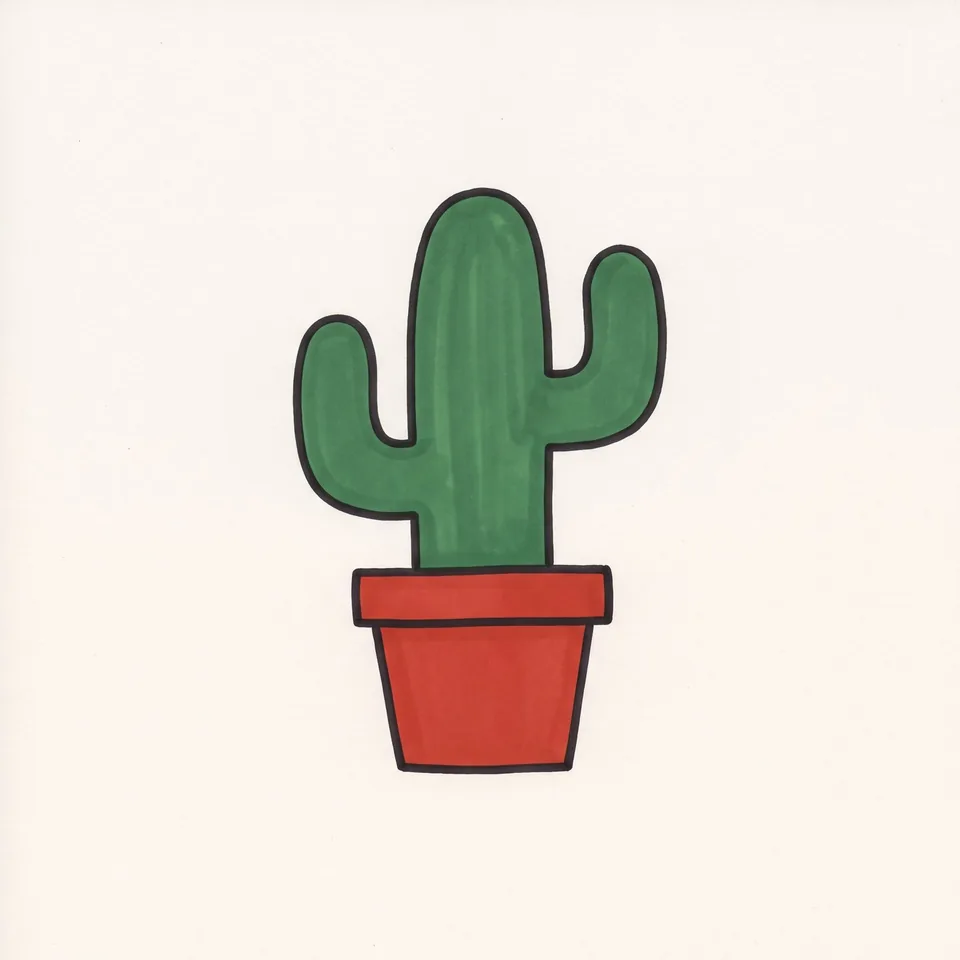

Drawing to SVG converter
A drawing on paper, photographed: the paper made one ground, the ink drawn as shapes.
From a photo


AI image to SVG converter
A ChatGPT, Gemini or Midjourney picture, drawn again as shapes in the few colors you see.
From AI tools


BMP to SVG converter
A JPG's old marks looked for in the pixels, a picture that has them handled as that JPG.
From .bmp


TIFF to SVG converter
A print or scan file in four inks, read through its profile and redrawn as clean shapes.
From .tif
Drop your logo. Check the file.
Converting is free. You see the whole result before you spend anything.
Drop an image here
PNG, JPG, WebP, AVIF, GIF, BMP, TIFF or SVG · Up to 10 MB