PNG to SVG converter
PNG to SVG, drawn as real shapes.
Drop in a PNG. VecSnap draws it again as circles, curves and flat colors, keeps a transparent background transparent, and shows you every anchor point before you keep the file.
Drop an image here
PNG, JPG, WebP, AVIF, GIF, BMP, TIFF or SVG · Up to 10 MB
- Converting and previewing are free
- One credit keeps the file, every format included

The short version60 words
To convert a PNG to SVG, drop it on VecSnap. It draws the image again as vector shapes in full color, leaves the transparent areas empty and keeps the anchor points few, so the file stays sharp at any size and opens in Figma, Illustrator and Cricut Design Space. Converting and previewing are free, and one credit keeps the file.
Updated 3 sources ↓
01The file, opened
Every anchor point, before you keep it.
Drag to move · double-click to zoomDrag to move · pinch to zoom
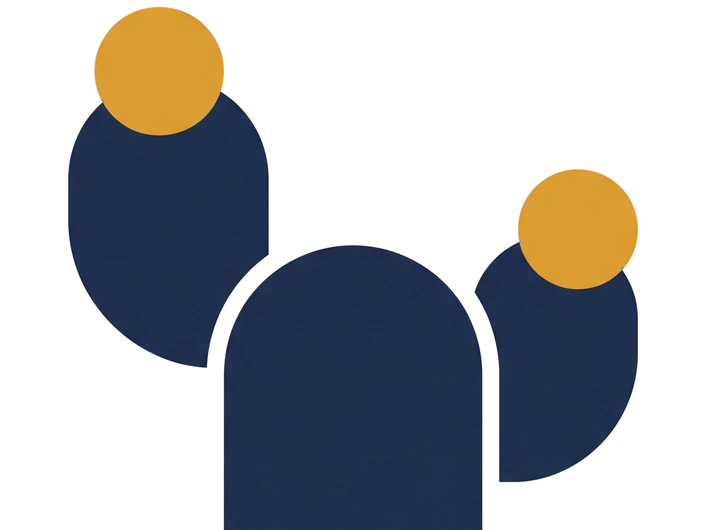
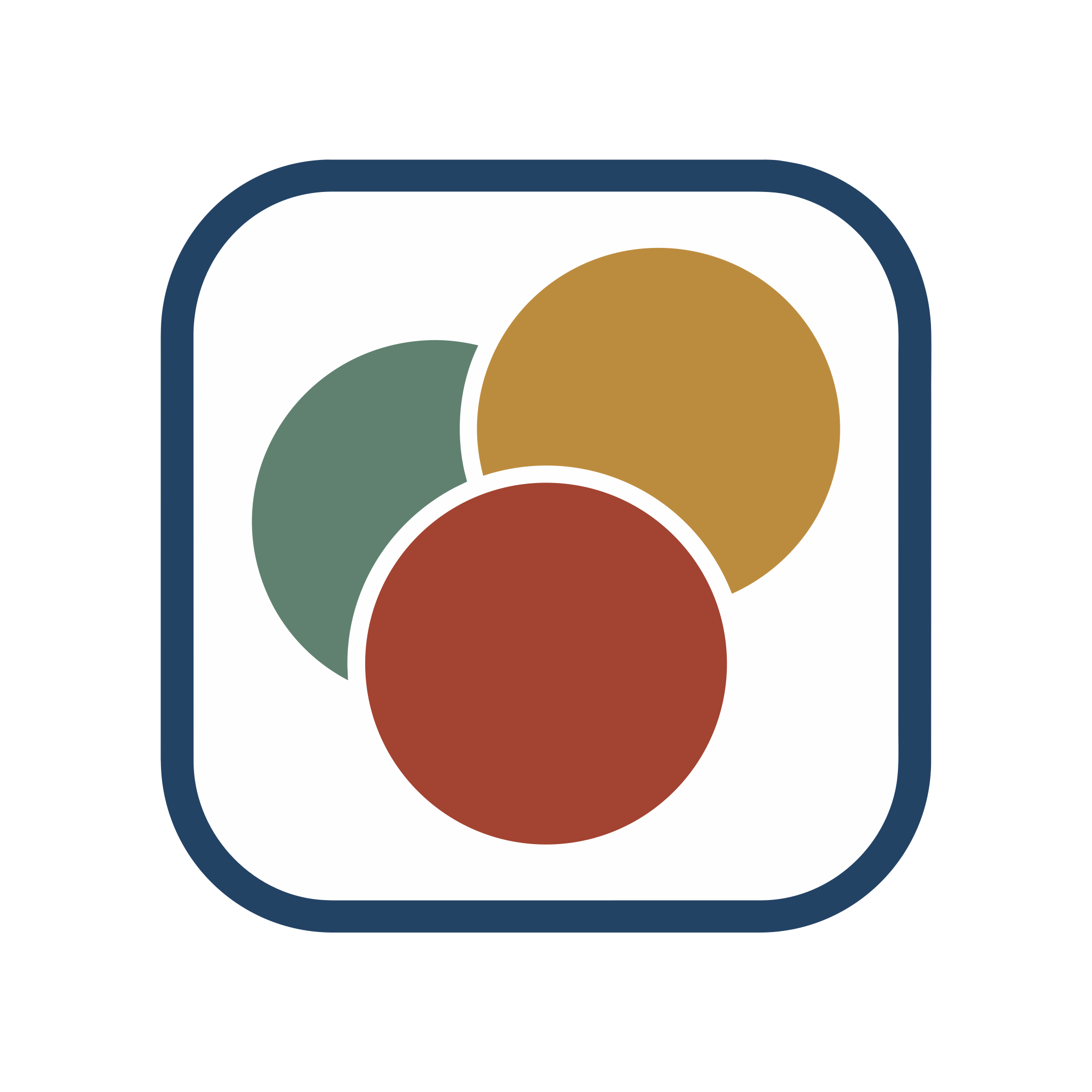
An example we picked, made with Gemini.
Read asLossless PNG · transparent
76
VecSnap 76, potrace 18,982potrace 18,982
2.0 KB
VecSnap 2.0 KB, potrace 444 KBpotrace 444 KB
In the file
2 circles · 5 paths
4 colors
02Real vectors
Does converting a PNG to SVG lose quality?
<svg viewBox="0 0 1200 1200">
<image width="1200" height="1200"
href="data:image/png;base64,iVBORw0KGgoAAAANSUhEUgAA…"/>
</svg>- The same pixels, so it blurs when you zoom
- No shapes to select or recolor
- Often heavier than the PNG itself
<svg xmlns="http://www.w3.org/2000/svg" viewBox="0 0 2048 2048">
<path fill="#c93e27" d="M671.48 1365.24l705.03.08c1.42-.38 3.17.55 3.08 1.18-.77 5 .5-1.12-.07 3.02L1309.59 1757c-3.64 19.54-22.27 34.95-42.07 35.02l-482.97.03q-3.96-.13-4.1.17c-20.82-1.22-38.5-15.52-42.22-36.3l-67.99-378.91c-.77-4.48-3.34-13.04 1.24-11.77z"/>
<path fill="#202e4e" d="M1243.62 1238.36c-2.56-.24-5.24-1.06-8.67-1.06H811.76c-3.56.02-4.83.78-7.69 1.13l-.57-40.39.2-257.94c-.04-30.68-2.15-64.68 3.31-94.68 33.24-182.65 256.26-244.82 381.45-109.95 37.11 39.98 56.13 94.89 56.32 149.23l.02 347.89q0 3.62-1.18 5.77z"/>
<path fill="#202e4e" d="M797.63 400.19q7.94 3.4 24.44 17.84a179 179 0 0 1 57.79 122.41q.25.69.17 14.12l.07 123.75q-37.65 27.71-60.59 60.94c-27.43 39.19-42.64 84.97-45 132.53l-15.85-1.62c-120.93-13.47-217.4-121.78-220.74-242.84-.32-14.12-.02-28.66-.02-42.99 0-13.26-.33-26.85.17-39.99 1.43-47.68 22.78-95.9 59.29-126.03 13.95 28.3 43.21 48.79 74.65 54.63 54.43 10.11 108.46-19.57 125.62-72.75z"/>
<path fill="#d0e5ee" d="M804.07 1238.43c2.86-.35 4.13-1.11 7.69-1.13h423.19c3.43 0 6.11.82 8.67 1.06 1.44.14 2.64 1.78 3.98 1.23 2.64-1.07.63-2.06 1.88-2.06l171.28-.14c15.28-.34 27.18 10.7 27.2 26.47l-.08 68.99c-.14 39.74-30.29 32.03-58.84 31.89-5.56.32-2.75-.68-5.53-2.09-3.63-1.84-4.75.81-6.1 1.56-.32.18-.76 1.42-.9 1.11l-705.03-.08c-.14.63 2.43-3.72.45-1.89-1.6 1.49.07 1.48-1.91-.31-3.92-3.54-6.59 1.69-8.23 1.79-13.26-.13-38.58 3-49.43-3.39-5.68-3.74-12.02-12.7-12.14-19.62l-.2-79.91c.18-12.91 12.51-24.71 25.23-24.55l170.92.12c3.46.12 3.09 1.75 3.86 1.72 1.39-.07 2.67-.53 4.04-.77z"/>
<path fill="#202e4e" d="M1308.79 656.7c4.6 35.52 35.46 66.14 69.3 76.58 36.86 11.36 80.52.25 104.96-29.06a145.13 145.13 0 0 1 26.94 75.94c.46 10.49.01 21.44.01 31.99 0 15.06.49 30.45-.01 45.47-3.69 110.96-98.69 209.02-210.97 209.12l-25.45-.04.03-185.25a254.53 254.53 0 0 0-35.5-127.47l-6.85-11.24c1.78-4.14 3.06-8.64 4.84-12.81 13.74-32.1 41.04-59.87 72.7-73.23z"/>
<circle cx="693.23" cy="365.37" r="110.05" fill="#db9c32"/>
<circle cx="1408" cy="635.33" r="102.34" fill="#db9c32"/>
</svg>- Edges stay sharp at any size
- Shapes you can select and recolor
- Light enough to paste into code
03What you get
What a good PNG to SVG file keeps
Real shapes
Circles stay circles and curves stay smooth, ready to select in your editor.
Every color
Each color of the PNG comes out grouped, so you can change it in one step.
A transparent background
The empty areas of the PNG stay empty, so the file sits on any background.
Few anchor points
Each edge has the points it needs and no more, so the file stays easy to edit.
04Which file
Which file to download for Figma, print or the web
A website or an appWeb file
- What you get
- The lightest SVG: a viewBox and the shapes, with nothing to strip out.
Figma or IllustratorDesign file
- What you get
- Layers named by role, real circles and rectangles, colors grouped.
A print shopPDF
- What you get
- The Design file as a PDF, ready to print at any size.
| Where the file goes | Download | What you get |
|---|---|---|
| A website or an app | Web file | The lightest SVG: a viewBox and the shapes, with nothing to strip out. |
| Figma or Illustrator | Design file | Layers named by role, real circles and rectangles, colors grouped. |
| A print shop | The Design file as a PDF, ready to print at any size. |
One credit keeps the image, with every format included.
05Questions
PNG to SVG, answered.
Sources
- SVG 2: the image elementW3C, read Oct 23, 2026
- How to upload images into Design SpaceCricut Help, read Oct 23, 2026
- Add images and videos to designsFigma Help, read Oct 23, 2026
Yes. VecSnap keeps every color of the drawing and groups the shapes of each one, so a color changes everywhere in one step. potrace, the tracer inside Inkscape, draws one color at a time.
Change a logo's colorChange an SVG's colorInkscape Trace Bitmap
Yes. The transparent areas of the PNG stay empty in the SVG, so the file sits on any background.
Yes. Convert the PNG to an SVG for the browser tab, and keep a 180 px PNG for an iPhone's home screen.
Some converters put the PNG inside an SVG file instead of drawing it. That file holds the same pixels, blurs when you zoom and has no shapes to edit. VecSnap draws every shape again, so its file holds circles and paths.
Yes. Share it from Procreate as a PNG with the background layer hidden, then drop that PNG here.
Yes. Download the Design file: its layers are named by role, and circles and rectangles come in as shapes you can select and resize. Figma turns an imported SVG into vector layers.
Canva's free Tracer and Vectorizer apps trace a picture. Downloading the PNG as an SVG does not: the file keeps the pixels inside. A file made of shapes, uploaded to Canva, lets you change each of its colors.
Yes, with Image Trace, in the free Affinity for Mac and Windows. It follows the PNG's pixels, so sharp corners can come out round and soft edges as thin gray shapes.
Yes. Download it for a cutting machine: each color comes as closed pieces with nothing stacked, so LightBurn, xTool or the Glowforge app engraves every area once.
Usually a PNG wrapped inside it, or thousands of anchor points from a tracer. A file drawn as shapes keeps the few points each edge needs, and stays light.
An image saved as text: shapes with their colors, which a browser draws sharp at any size. A PNG is a grid of pixels.
For a logo, an icon or a cut file, yes: an SVG stays sharp at every size and is lighter. For a photo, keep the PNG.
VecSnap is made for drawn images: logos, icons, stickers and flat illustrations. A photo comes out as thousands of small shapes.
Converting and previewing are free. One credit keeps an image, with every format and re-run included.
06More converters
Starting from something else?

JPG to SVG converter
Compression marks cleaned before drawing, so a soft JPG still gives clean edges.
From .jpg and .jpeg


JPG to DXF converter
A logo or an emblem as a DXF for a laser or CNC, one layer per color, every outline closed.
From .jpg and .png
Logo to vector converter
The vector file a printer, a website or a designer asks for, its name kept as a word.
From any logo image


WebP to SVG converter
Lossy or lossless, read from the file; a lossy WebP handled as the compressed file it is.
From .webp
PNG to EPS converter
A logo or a badge as a vector EPS for a print shop: real shapes, no pixels inside.
From .png and .jpg

GIF to SVG converter
A sticker, a logo or an icon: its see-through color kept empty, its stepped edges redrawn as curves.
From .gif
AVIF to SVG converter
Lossy or lossless, read inside the image; a lossy AVIF handled as the compressed file it is.
From .avif

Drawing to SVG converter
A drawing on paper, photographed: the paper made one ground, the ink drawn as shapes.
From a photo


AI image to SVG converter
A ChatGPT, Gemini or Midjourney picture, drawn again as shapes in the few colors you see.
From AI tools


BMP to SVG converter
A JPG's old marks looked for in the pixels, a picture that has them handled as that JPG.
From .bmp
TIFF to SVG converter
A print or scan file in four inks, read through its profile and redrawn as clean shapes.
From .tif
Drop a PNG. Check the file.
Converting is free. You see the whole result before you spend anything.
Drop an image here
PNG, JPG, WebP, AVIF, GIF, BMP, TIFF or SVG · Up to 10 MB