DOWNLOAD
Keep the words editable
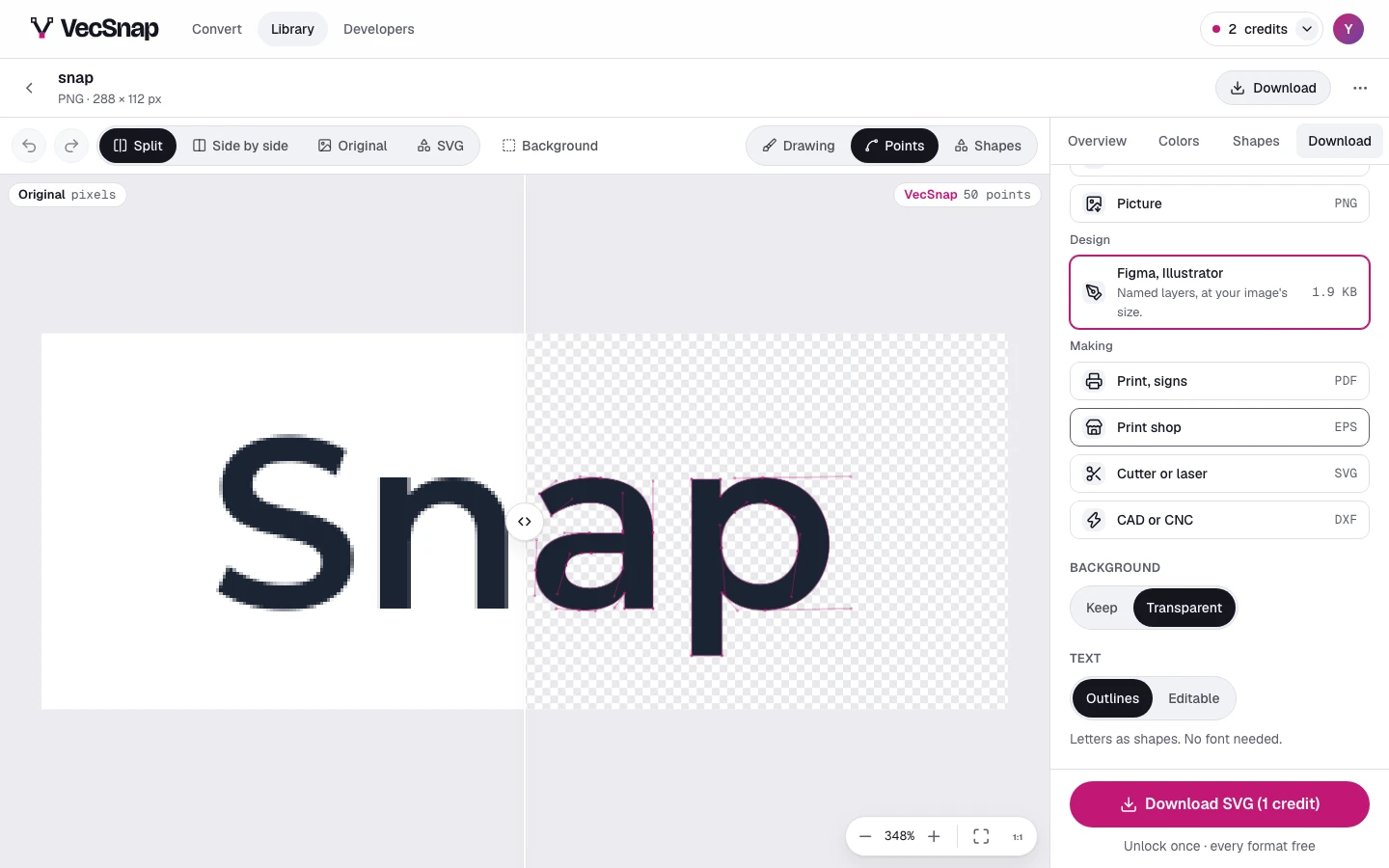
Where VecSnap reads words set in a font it knows, the design file (Figma, Illustrator) can keep them as type you can retype, beside the outlines every editor draws.
Once the image is unlockedHow do I get editable words?
- Choose **Figma, Illustrator**In the Download tab, under Design.
- Choose the textWhere the file has words, a text choice appears: Outlines or Editable.
- DownloadWith Editable chosen, the file opens in Figma, Illustrator or Inkscape with its words as type. Install the free font it names to edit them.
| Text | What it means |
|---|---|
| Outlines | Letters as shapes. No font needed. |
| Editable | Needs its free font installed. |
Why is there no text choice?
The choice shows only where VecSnap could write the words as type: lettering in a font it knows, each word in one color. Hand lettering, a word in two colors, or a font it does not know stays as outlines, which look the same everywhere.